The announcement and access
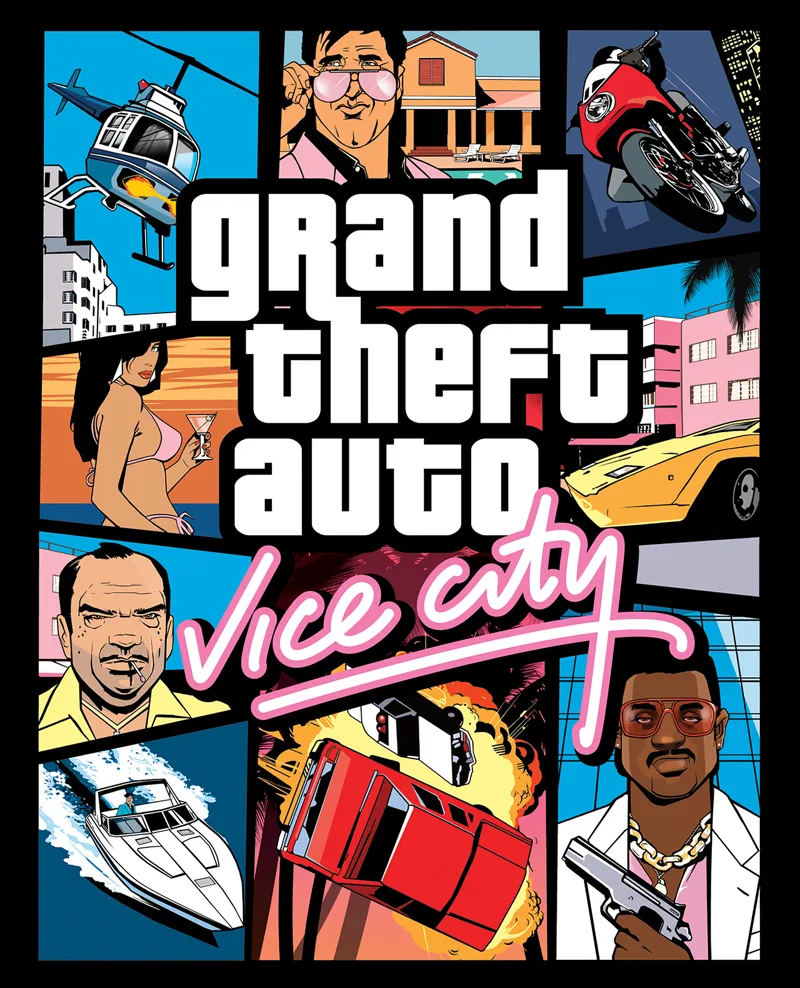
Discord has released the Vice City theme. Before applying it, separate campaign availability from the settings you want to change. This guide helps you try the look, check readability and decide what to keep without mixing it up with a reward.
Theme, icon and name style. Theme: everyone through Dec 13; Nitro except Basic through Feb 20. November 16–22: Quest Home; later, settings.
Check readability
On desktop: User Settings cogwheel → Appearance. On mobile: bottom-right avatar → cogwheel → Appearance. You can choose a standard option there.
Sync across clients links the theme across devices; it can look different on mobile.
Keep a reference of your previous setup and compare one change at a time. Read a familiar channel and find the controls you use most often. Choose the result that makes them comfortable to recognise: the most striking combination need not be the one that works best for you.

Check the icon
Desktop: User Settings → Appearance → App Icon. On mobile: avatar → App Settings → App Icon. Each mobile device needs its own selection.
Check the result where you expected to see it. If you are looking at another device or a different screen, record that difference before repeating the change. These general instructions identify the setting; campaign-specific access follows the linked announcement.
Name style
Profile → Edit Profile → Display Name Style. On mobile, choose Font, Effect or Color and press Apply. Styling changes the name’s presentation rather than its text.
Try a simple combination first and check how it reads in a conversation. You do not need to change every element at once to decide whether you like the result. Keep your chosen style separate from any access requirement displayed on your own screen.
Frequently asked questions
Where can I check the rewards?
For rewards, use our dedicated Quest guide. This page focuses on the app’s appearance: keep each question in its own context before following steps intended for another activity.
Why does the desktop shortcut stay unchanged?
On desktop, support describes an icon inside Discord; it does not change the operating system’s shortcut.
Does the name animate on mobile?
Support explains that display name styles appear without animation on mobile.