The announced programme
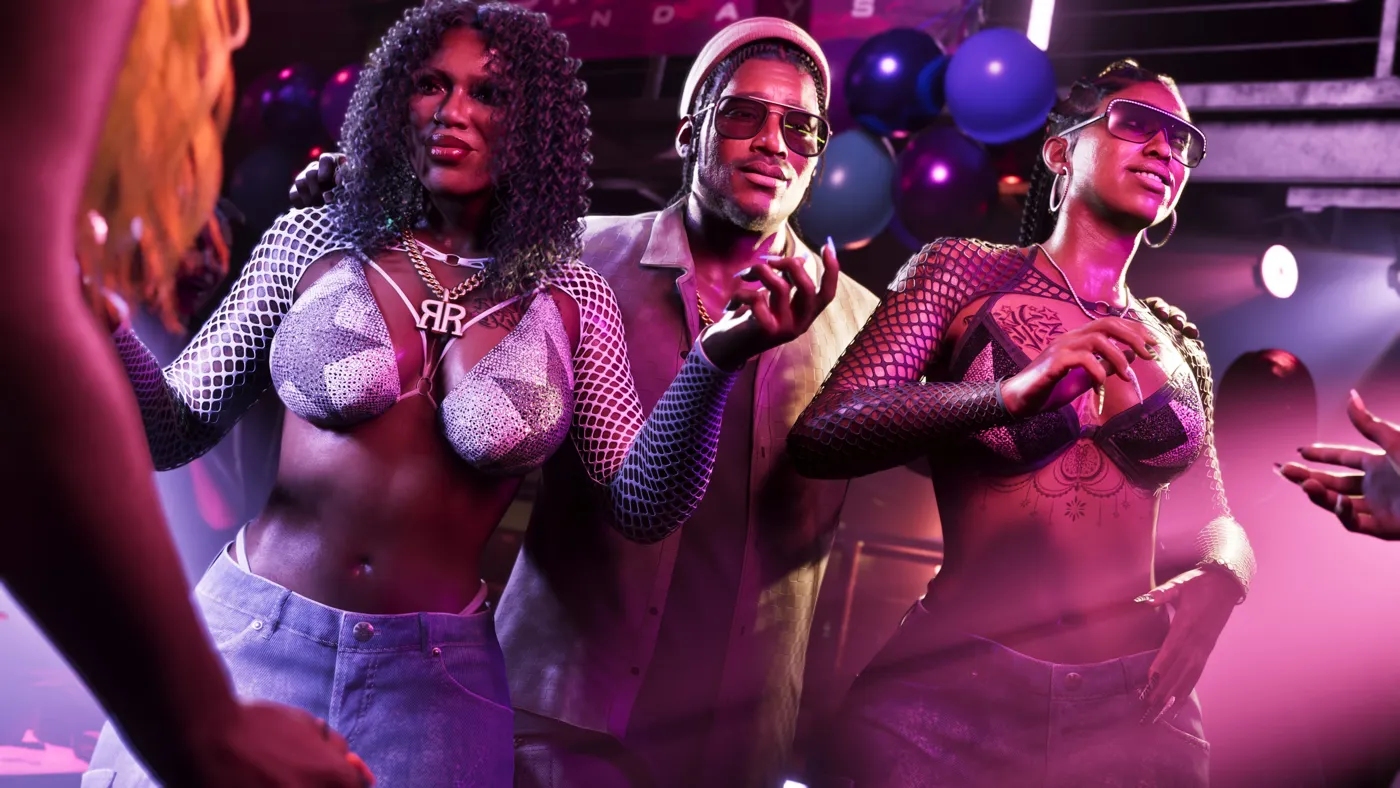
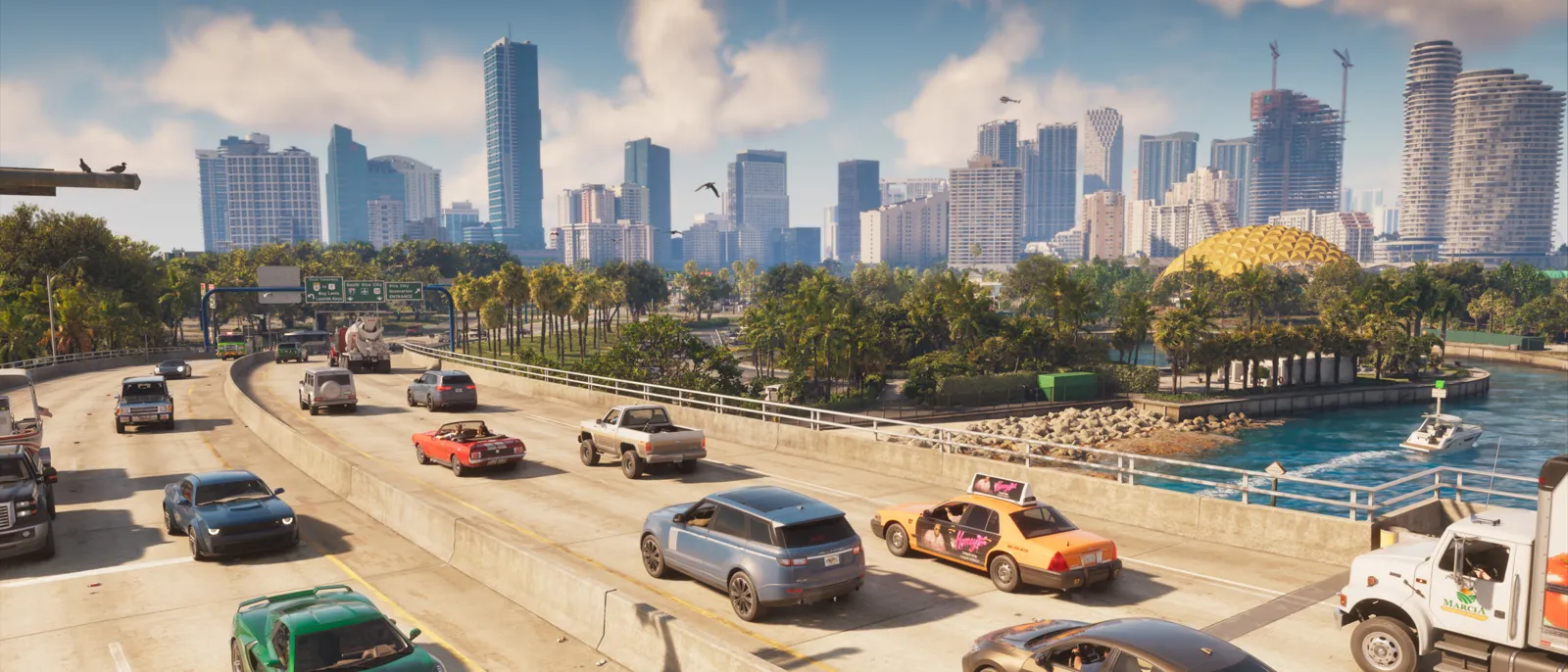
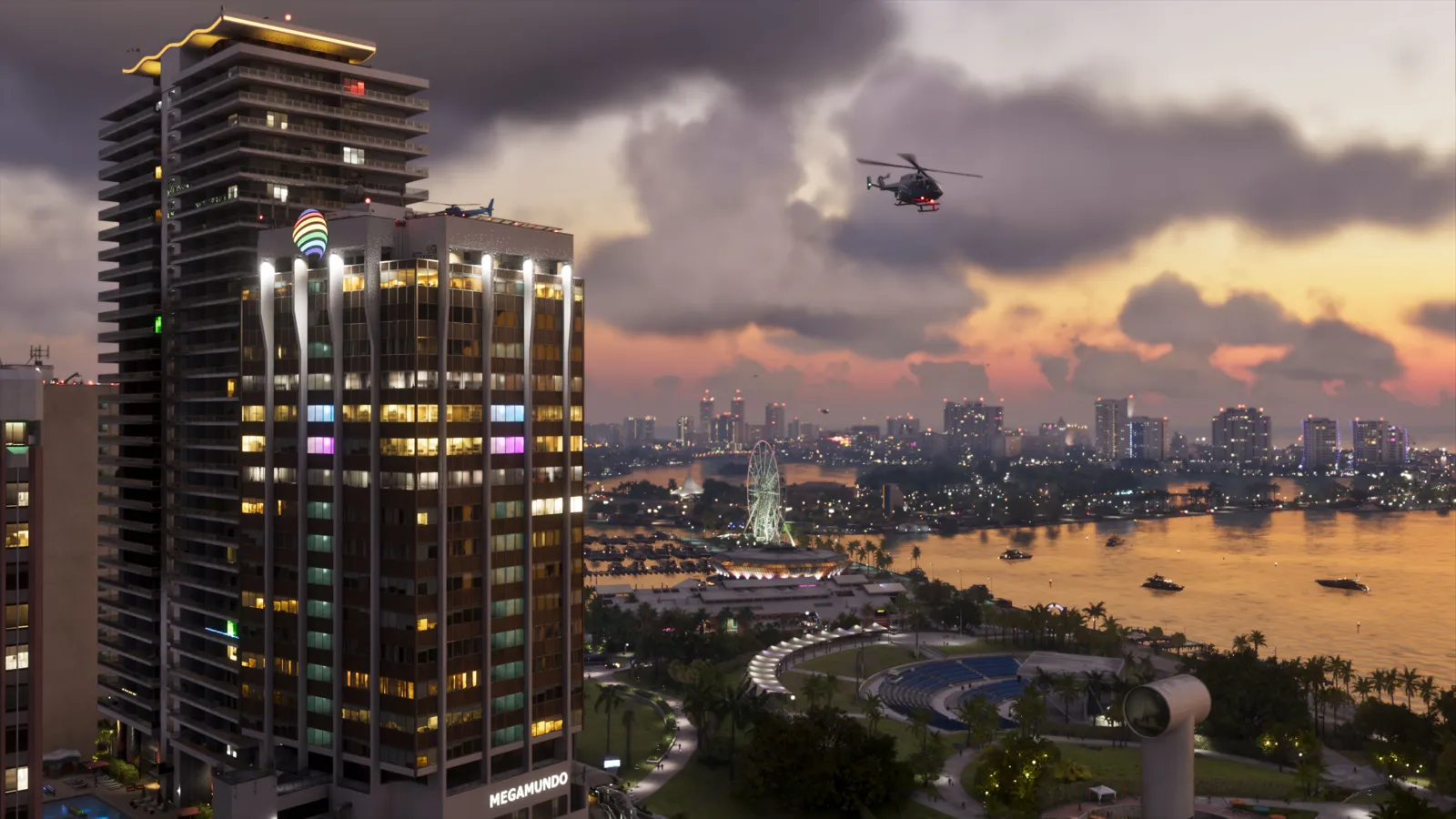
YouTube announced 24 hours of GTA VI: RDCWorld’s preshow on November 18 at 11 PM ET and the main broadcast on November 19 at midnight ET. The programme promises gameplay, podcasts and original content.
Where to find the broadcast
Open youtube.com/youtube, the channel linked in the official announcement and save that route before the session. If you arrive through a recommendation, compare its channel and description with the original source. This helps distinguish the announced programme from somebody else’s reaction or replay.
How to put ET into your calendar
First choose whether you want the preshow or the main programme’s start. When creating a reminder, use New York as the source time zone, then check the result in your local zone. Check the day too: copying only the clock time can put a reminder on the wrong date. Save the link with the reminder to avoid a last-minute search.
That reminder schedules a broadcast. To plan when to start your own game, use our release-time guide rather than automatically treating a video’s start time as game access.
Decide how much you want to discover
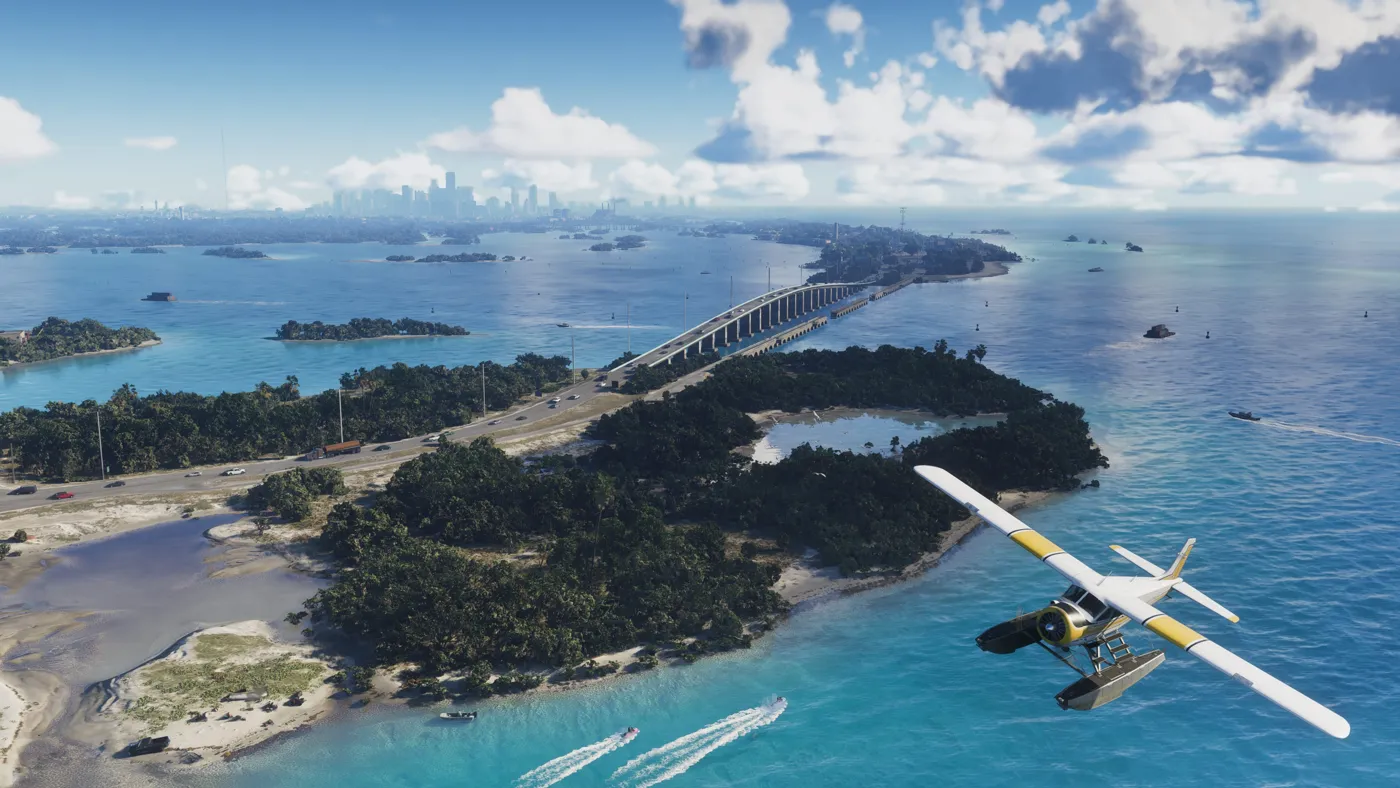
Before opening the broadcast, decide whether you want to discover the story yourself or share a live reaction. To preserve surprises, consider waiting for segment descriptions before choosing what to watch. Titles, thumbnails and chat can reveal information too; checking the audio alone will not prevent that.
Prepare the screen you plan to use
Try a short video beforehand on the same phone, TV or computer. Check that text is readable, the volume is comfortable and the link is easy to find. If other people are watching with you, agree on spoiler preferences beforehand rather than deciding with a scene already on screen.
If you also plan to broadcast your own playthrough, consult our music and streaming-rights guide. For download preparation, follow the preload calendar. These are separate tasks from deciding when to watch this programme.