What has been reported about GTA 6 photo mode
GTA 6 previews mention a photo mode, but the sources checked on November 6, 2026 do not provide an official guide to its final buttons, filters or menus. eXputer reported it on August 28, and ComicBook revisited the subject on November 5 while citing TGG. Here we distinguish those reports from official screenshots and explain which PS5 and Xbox capture tools you can prepare.
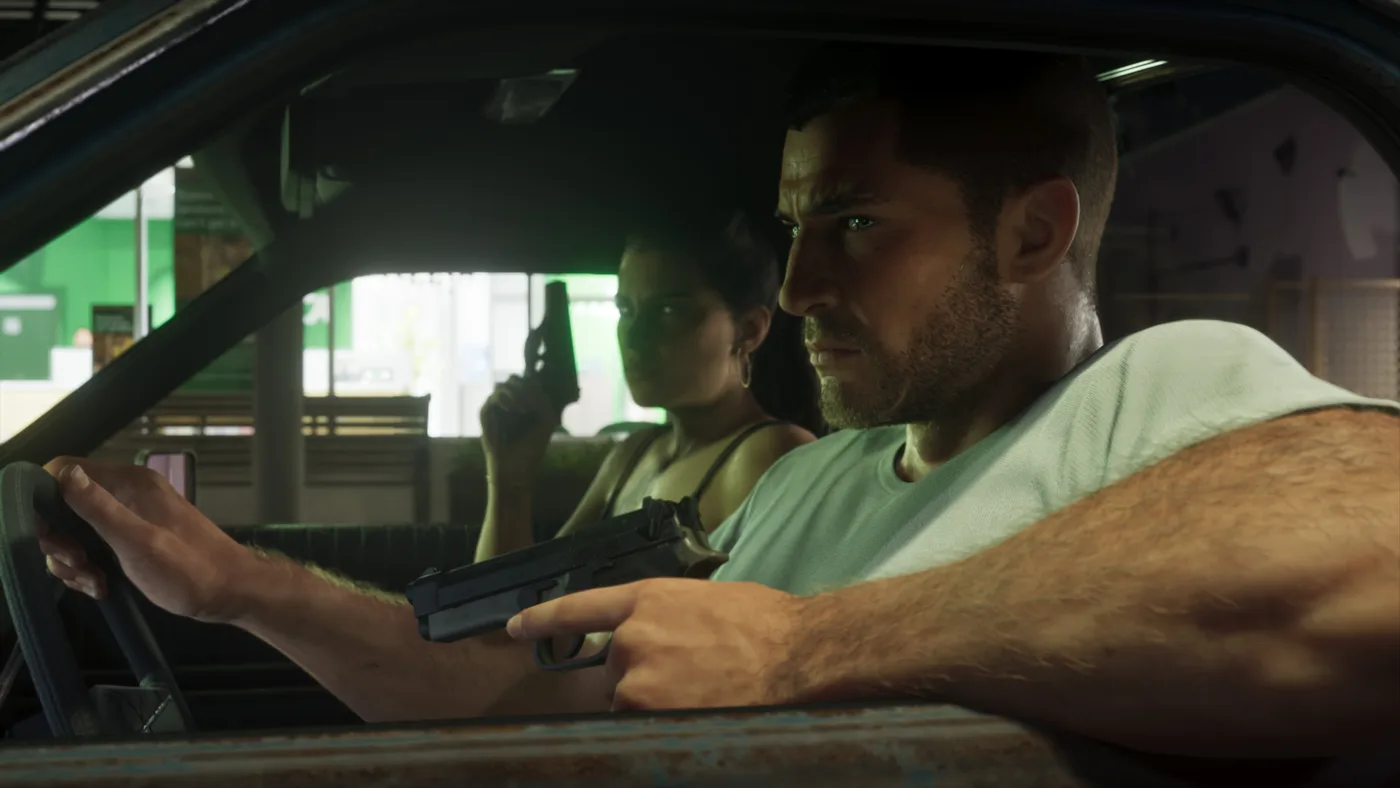
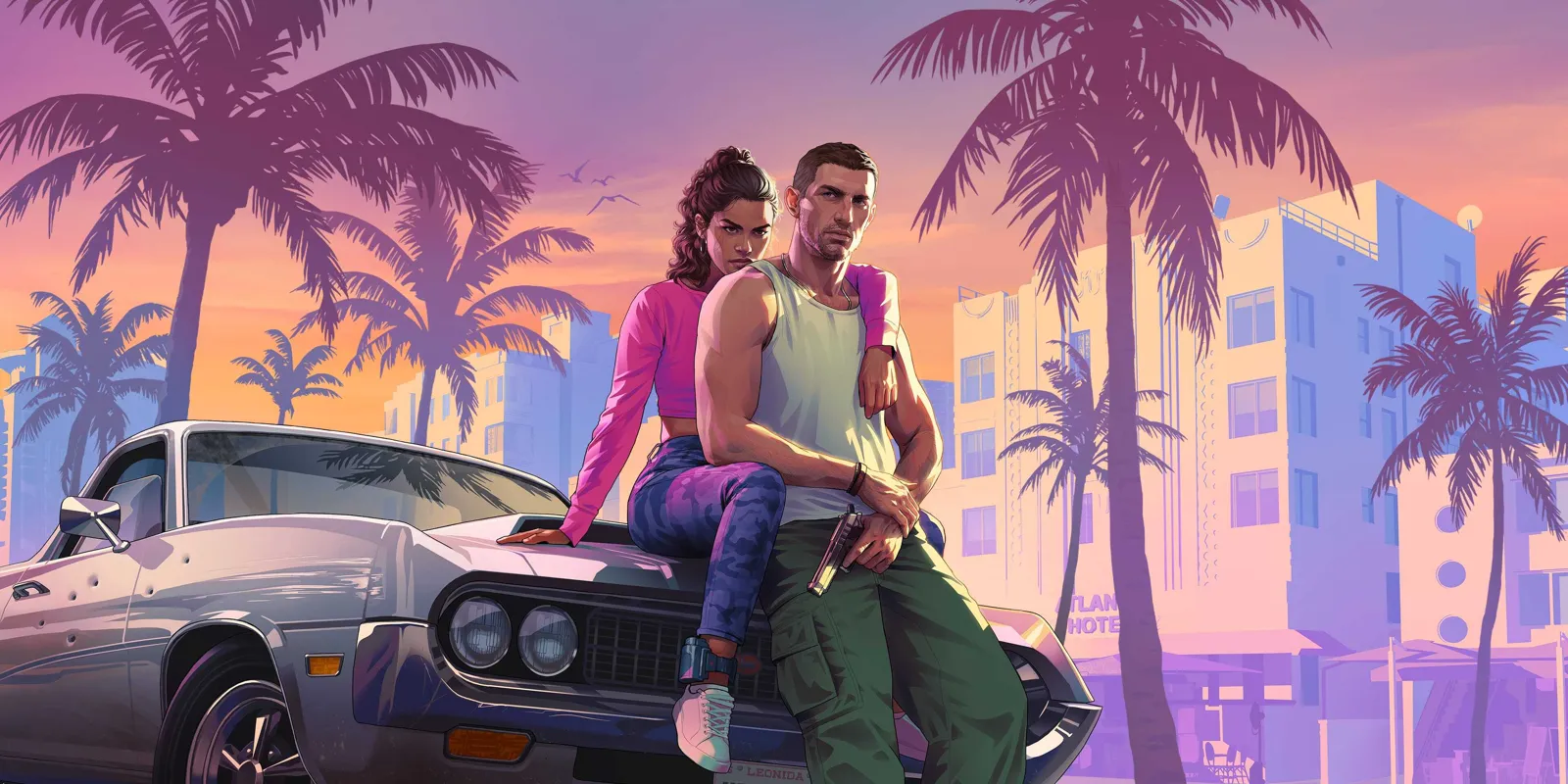
These are third-party preview reports, not a Rockstar-published tutorial. We have not tested a final copy either. A promotional image can prompt questions about the camera, but alone it cannot establish whether players can freeze any mission, move freely or remove every interface element.
Photo mode, Snapmatic and Rockstar Editor are different tools
A dedicated photo mode lets players work on an image using the options it supplies. A camera inside the phone belongs to the character’s actions. A video editor is another tool with different recording and editing requirements. Evidence for one does not automatically establish the other two.
Our GTA VI phone guide explains what has been reported about Snapmatic and its limits. Here we neither invent a photo-mode menu path nor treat a tool missing from a demonstration as an irrevocable decision for every future version.
How to prepare screenshot capture on PS5 and Xbox
On PS5, the Create button opens the menu containing the screenshot option. You can review Settings > Captures and Broadcasts > Captures to customise shortcuts. These are console tools, separate from whether GTA VI includes its own photography mode.
On a compatible Xbox controller, Microsoft describes pressing Share for a screenshot and holding it for a clip; the mapping can be customised. Check your configuration before release. Capturing video output does not let you move the game camera or pause a scene.
Three composition ideas using authentic game images
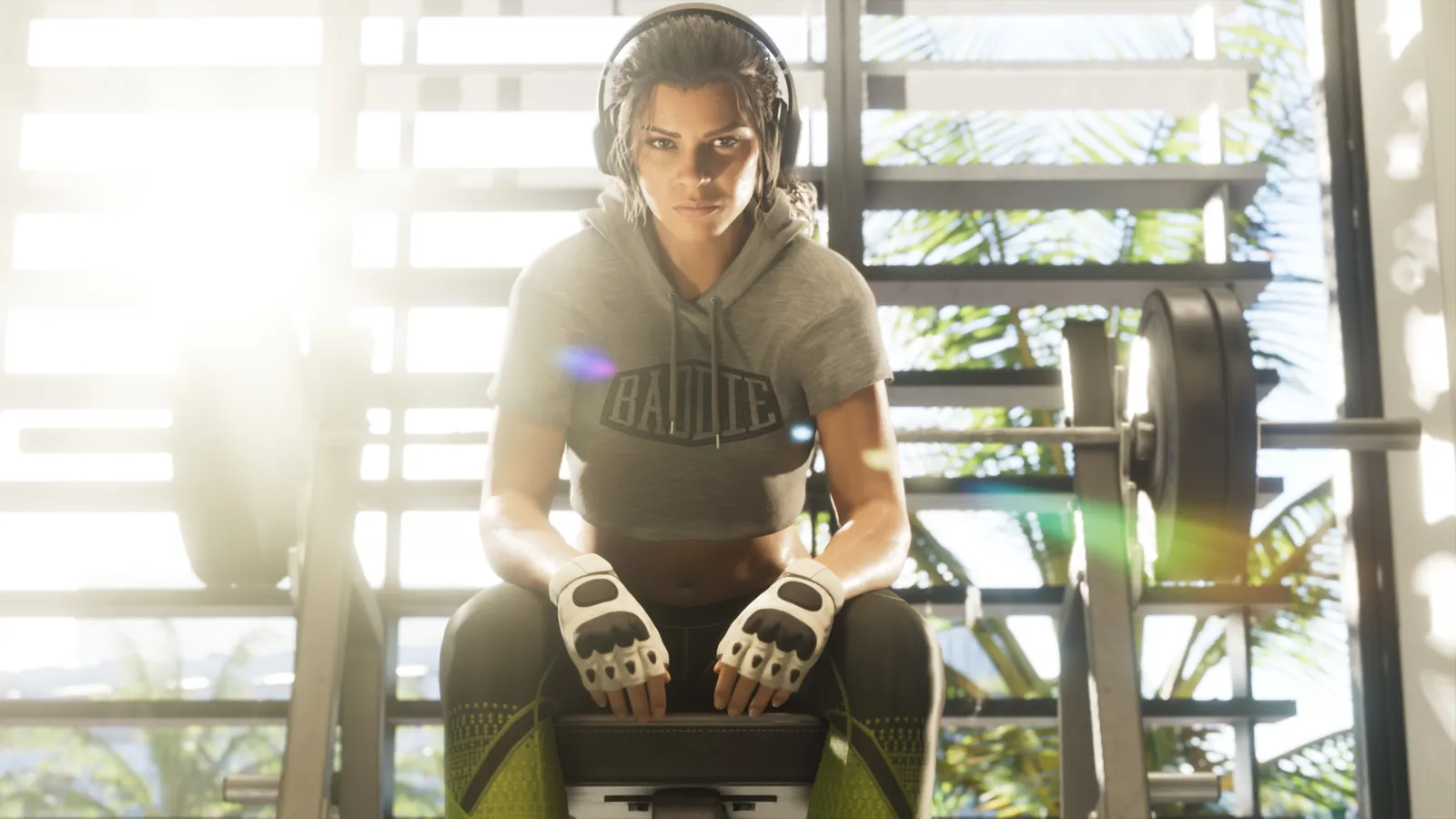
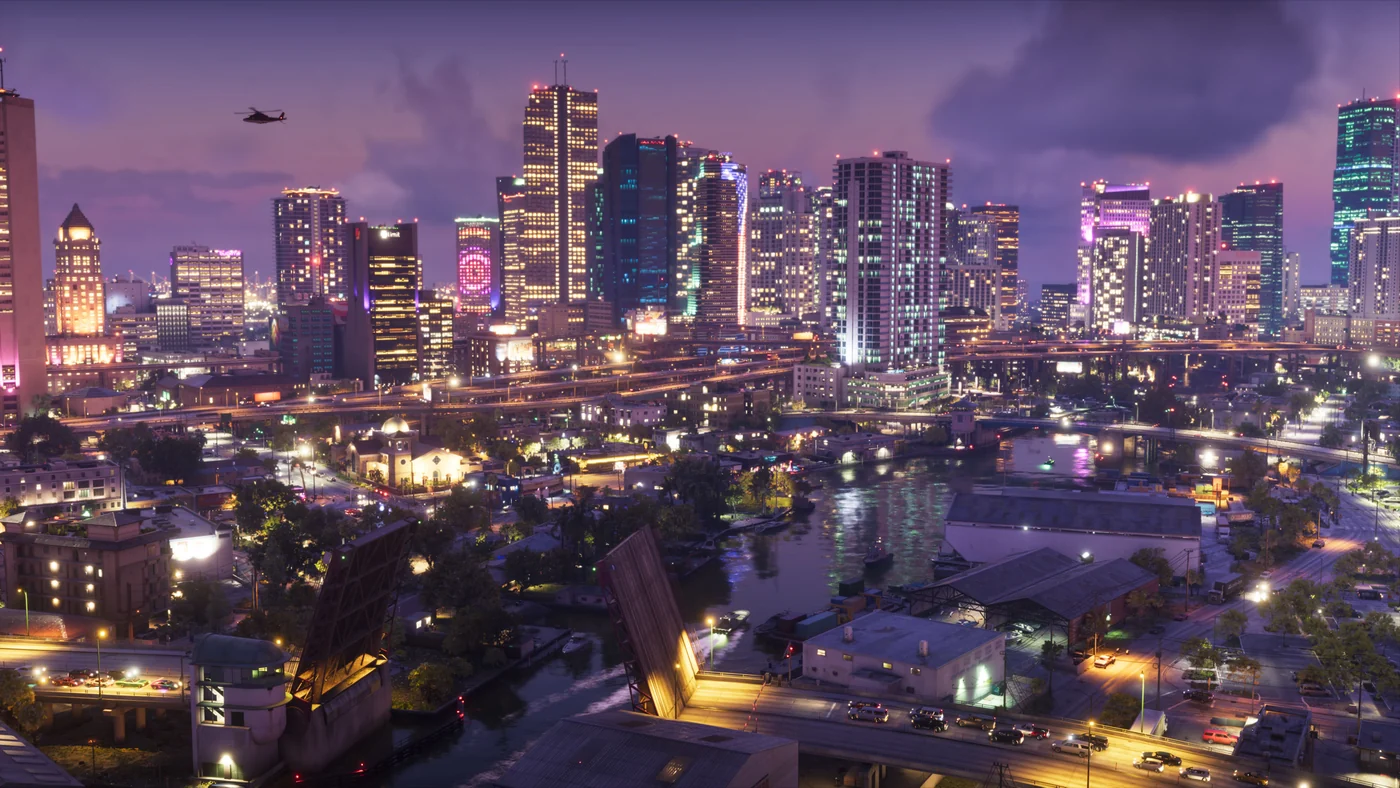
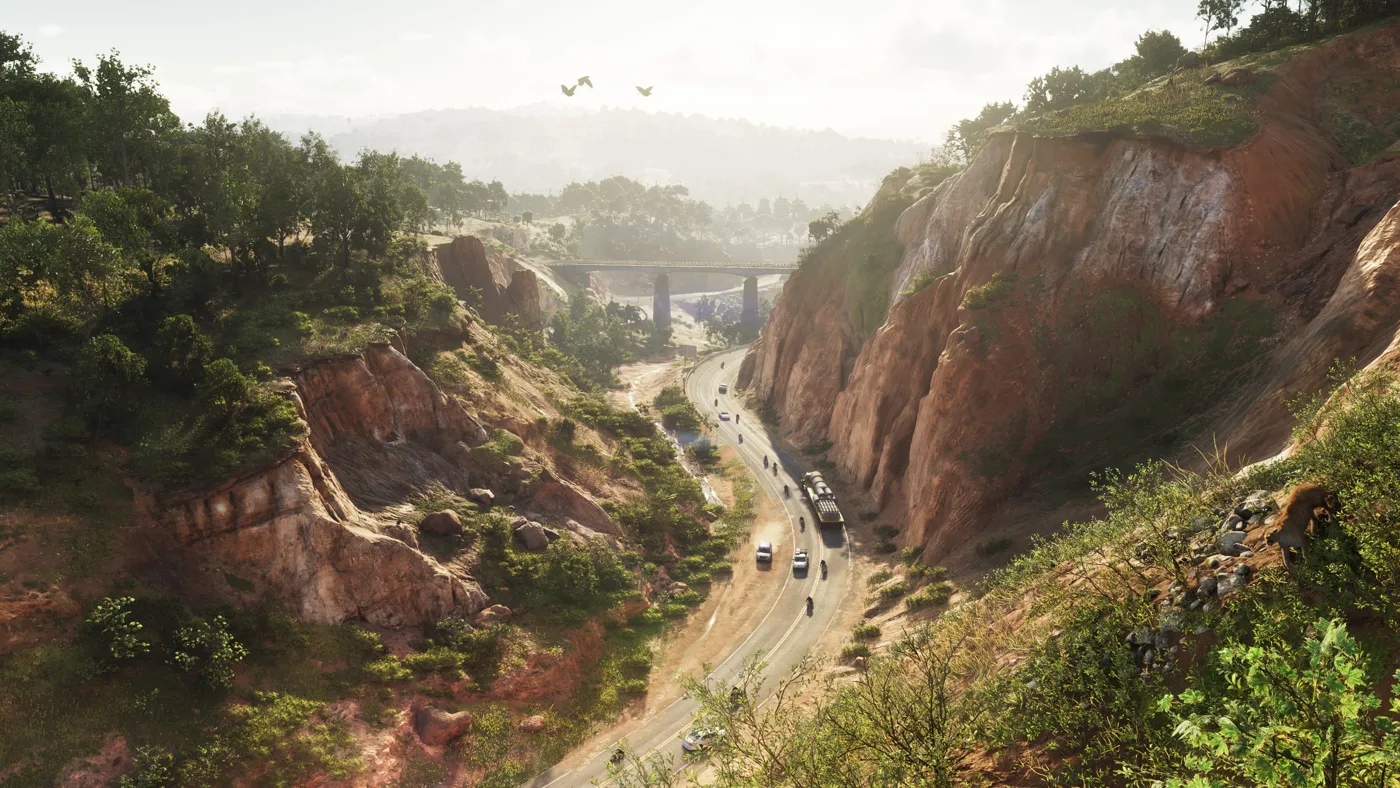
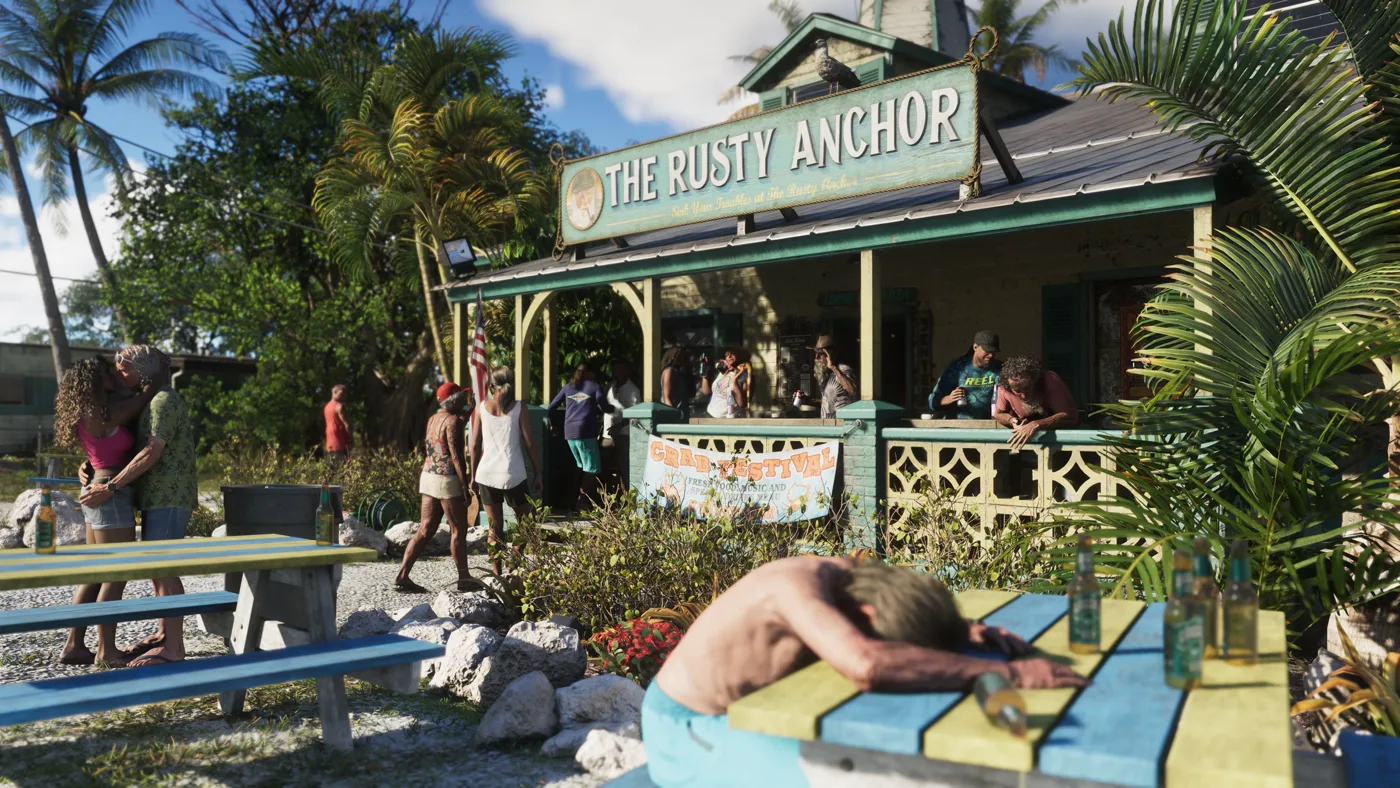
In the Mount Kalaga landscape, the road guides the eye into the distance. At The Rusty Anchor, the sign establishes the place while people distribute attention across the frame. In Lucia’s portrait, the figure and nearby objects dominate the background. These are observations of the linked images, not options from an undocumented menu.
Filters, depth of field and photo sharing: what still needs checking
We do not have an official list of filters, focus controls, export options or mission restrictions. Taking a screenshot does not establish that it can be posted to Snapmatic either. When evaluating a future guide, look for its platform, version and actual settings screen, distinguishing system tools from in-game options.