What you can configure before GTA 6 releases
To prepare HDR for GTA 6, start with your PS5 or Xbox video output and your display’s capabilities. There is no universal brightness number for every television. Checked on November 6, 2026, this guide brings together official console calibration tools; it does not present GTA VI’s in-game settings or results from a final copy.
HDR describes an image range; it does not determine FPS or turn a signal into native 4K rendering. Separate three questions: what the television accepts, what the console outputs and what each game offers. Resolving the first does not establish the third. The announced release remains November 19.
PS5: enable HDR when supported and calibrate it
1. Open Settings > Screen and Video > Video Output > HDR. Sony distinguishes Always On from On When Supported: the first also converts SDR content to HDR output; the second preserves SDR when content is not HDR-compatible.
2. In Video Output, select Adjust HDR and follow your console’s instructions. We do not copy one click count for every panel: use the configuration appropriate to your own display as your baseline.
Xbox: check display capabilities and use HDR calibration
1. In Settings > General > TV & display options, review 4K TV details. Microsoft uses that screen to show the capabilities recognised by the console. If an option is not supported, check the port, cable and television configuration before forcing it.
2. Find Calibrate HDR for games within TV & display options and follow its patterns. This is different from Calibrate TV. The linked official article explains both tools; names and grouping may vary with system language and version.
If the picture looks washed out, too dark or too bright
First note the console, television, input and picture-mode combination. Then change one variable and compare the same content. Changing console output, television contrast and filters together makes it difficult to identify an improvement. A phone photograph also adds another camera’s automatic exposure.
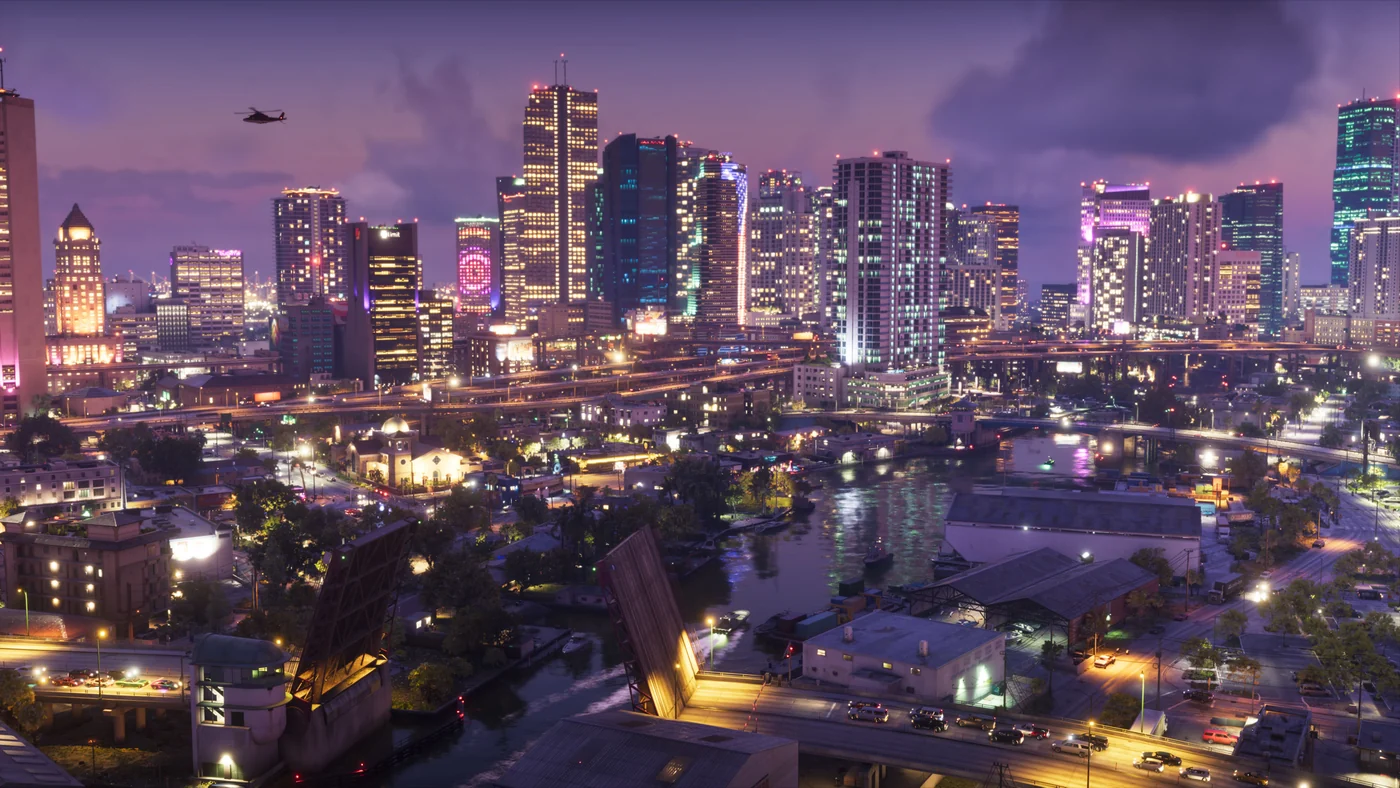
The official images here are prepared for web display. They cannot measure your panel’s nits or replace calibration patterns. The coastal and dusk scenes illustrate light and contrast; they do not test GTA VI’s HDR implementation.
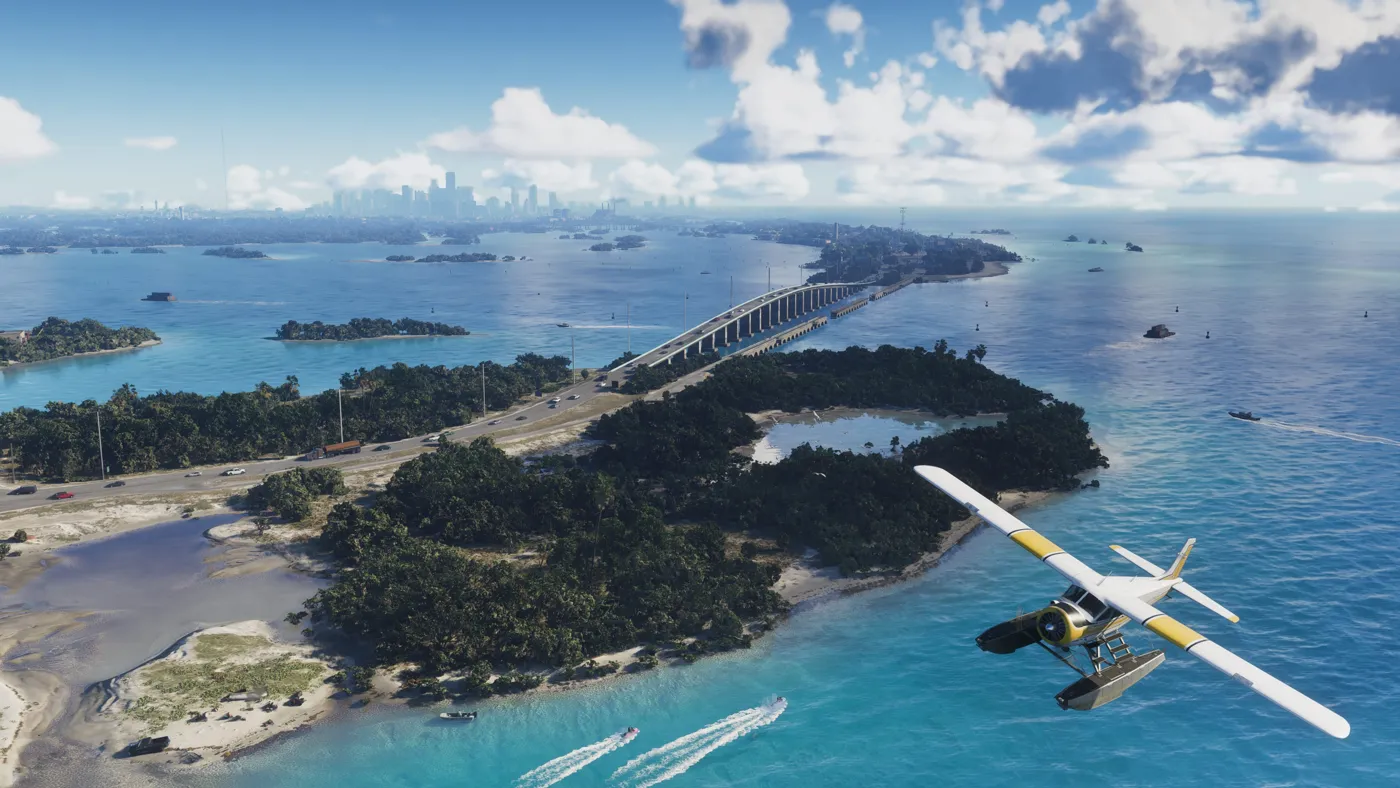
HDR, accessibility and performance are separate settings
A comfortable setup should address what you need to see, not a context-free number. Sony notes that PS5’s Invert Colors disables HDR; if you use accessibility tools, review their interactions. Our accessibility guide covers legibility and controls, while the PS5 Pro guide explains why 120 Hz output and game FPS are different.