What PlayStation App does and where the game installs
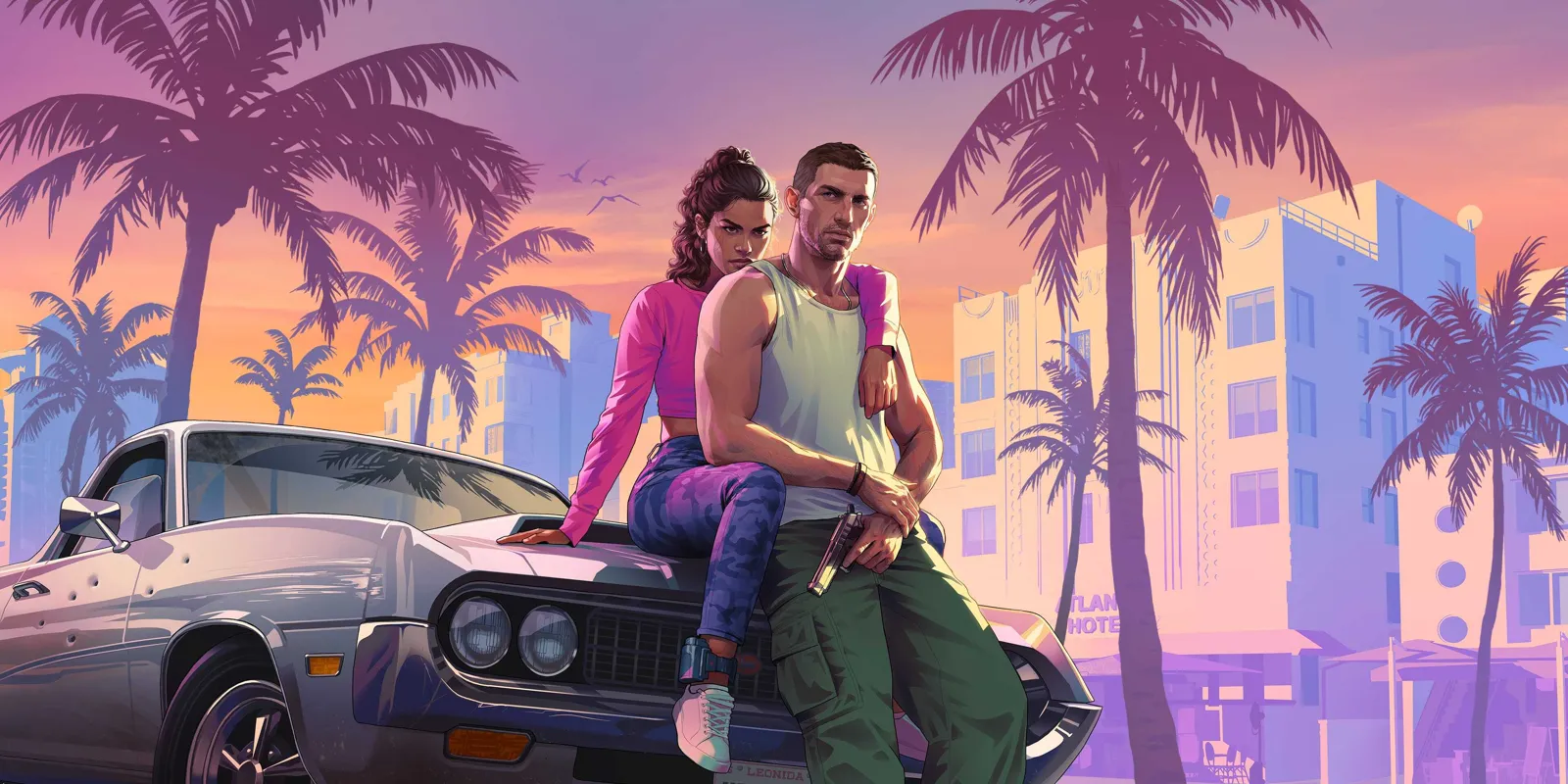
PlayStation App can send an owned game’s download to a paired PS5 from Android or iPhone. GTA 6’s files must first become available: Sony lists preloading for local midnight on November 10, 2026, with release on November 19. Checked on November 8, this guide prepares the account and console without claiming GTA VI can already be downloaded or played today.
The phone sends a command to the console; the files are stored on the PS5 and use its storage. This differs from PS Remote Play, which streams the console to another screen. It does not make GTA VI a native Android or iOS application. For playing from a phone, use our separate Remote Play guide.
1. Pair the PS5 with the purchasing account
Install PlayStation App through Sony’s official links and sign in with the account that bought GTA VI or redeemed its code. In the app, open Settings > Pair Console to App and follow the prompts. The PS5 must use that same account to appear correctly. Exact menu labels can vary by language.
A wishlist entry does not establish a purchase. If the game is missing from the library, review order history before trying to pay again. A boxed code must also have arrived and been redeemed; a physical preorder awaiting delivery does not by itself create the digital licence on your account.
2. Prepare rest mode and available storage
On PS5, Sony specifies Settings > System > Power Saving > Features Available in Rest Mode > Stay Connected to the Internet. Its PlayStation App guide requires that connection and a console in rest mode to start the remote download. A fully powered-off PS5 is different from one in rest mode.
Check Settings > Storage. Sony’s PS5 support asks for 212 GB available for GTA VI. PlayStation App can show storage and manage installations, but moving and copying games is not supported in the app. If an M.2 SSD is the default installation destination, check its space too.
3. Send the download when the option becomes available
The documented route is Game Library > Purchased > the game > Download to Console. Some screens simply say Download. Select the correct PS5 and check progress or the completion notification. These are Sony’s general steps: GTA VI’s option depends on its preload window and your account’s licence.
If it does not start: date, account, console and connection
First check that preloading has opened in your region. Then review the account, pairing, space, connection and rest mode. Sony notes that without automatic-download setup, a request may wait until the console is next turned on. Check the PS5 before deleting data or buying again. Completing the preload does not bring playable access forward from November 19.